
Send money from Greece to Georgia for as low as 0,5%
How to send cash from Greece to Georgia
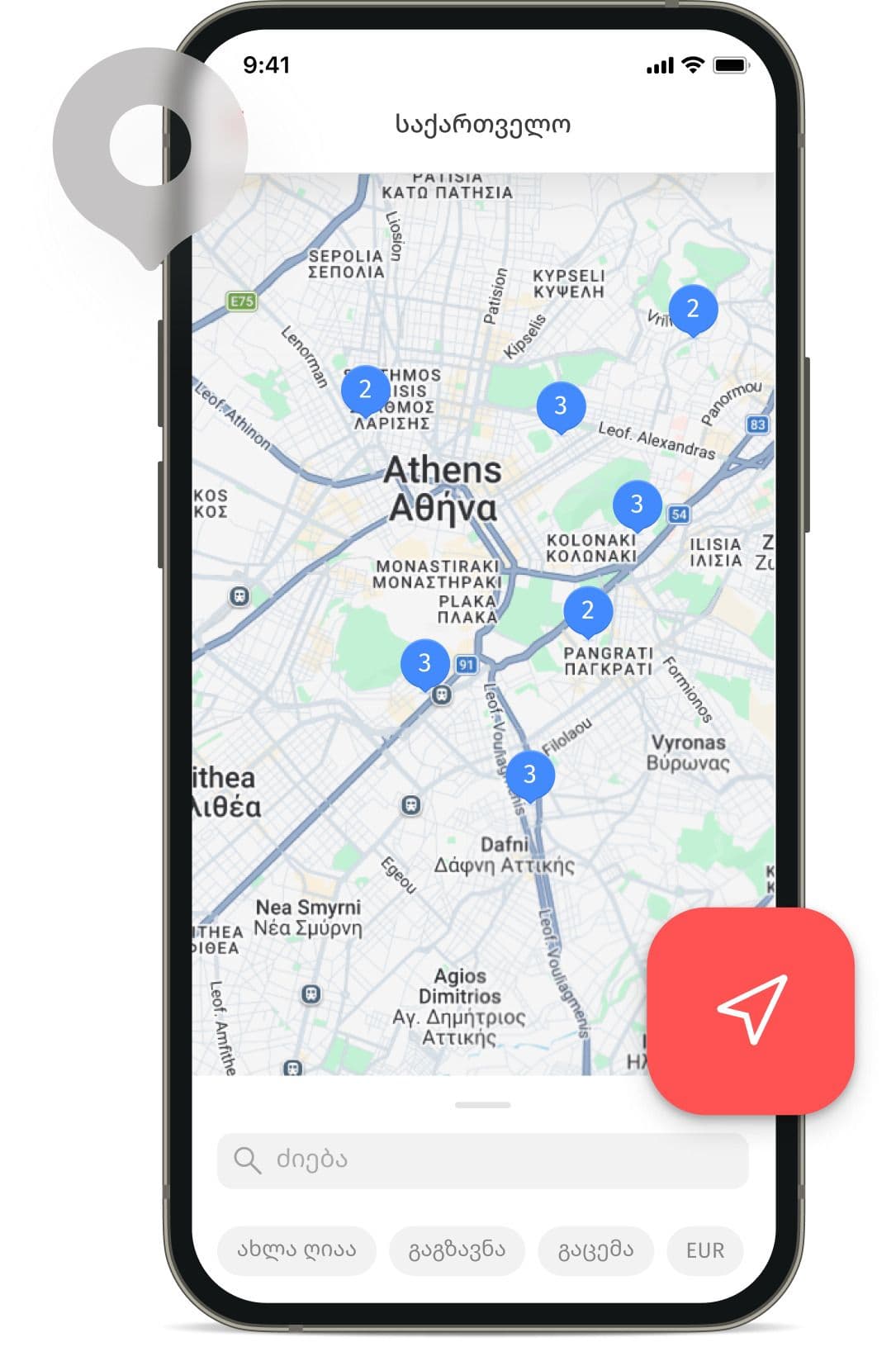
Visit the nearest Plag N'Pay partner agent location — bring your passport and cash.
Provide the recipient’s full name and phone number.
Pay for the transfer in cash
- 1
Visit the nearest Plag N'Pay partner agent location — bring your passport and cash.
- 2
Provide the recipient’s full name and phone number.
- 3
Pay for the transfer in cash
After the transfer is sent, the recipient can choose how to receive it:
In cash
Visit the nearest money transfer payout location with your passport, provide the transfer number, and receive your money.
To a Georgian bank card via the Korona app or Georgian bank apps (BoG, TBC, Credo, Liberty)
Download the app and log in using the phone number provided by the sender. Find the Korona transfer available for crediting and follow the instructions in the app.
Korona advantages
Low fees
When sending a cash transfer through Plag N'Pay partner locations, the fee is only 0.5%.
No bank card needed
You don’t need to open a bank account to send a transfer.
Ideal for cash transactions
Perfect for those who prefer to use cash.
Fast processing
Transfers can be sent and received within minutes.
Frequently Asked Questions
There are two ways to send a Korona money transfer from Greece to Georgia.
Cash transfer:
- Visit the nearest Plag N'Pay partner agent location — bring your passport and cash.
- Provide the recipient’s first and last name, as well as their phone number.
- Pay for the transfer in cash.
Online transfer in the Korona app:
- Install the Korona app on your smartphone.
- Tap “Send transfer” and select the destination country and the receiving method.
- Enter the transfer amount, choose the sending and receiving currencies, and select the payment method.
- Enter the recipient’s details, check them, and send the transfer.
Most transfers to a card via the KoronaPay system are processed instantly. However, the transfer speed depends on various factors, including the processing time of incoming payments on the partner bank’s or cash pickup point’s side. Cash transfers are available for pickup immediately after sending at one of more than 50,000 partner locations.
1. To a Georgian bank card via the Korona app Download the Korona app and sign in using the phone number provided by the sender. The transfer will appear on the main screen and will be available for crediting — follow the in-app instructions.
2. Crediting via a bank app (BoG, TBC, Credo, Liberty) Log in to the partner bank’s app and select to receive a Korona transfer. Follow the instructions in the bank app. Important: The transfer will appear in the bank app if the phone number and the recipient’s full name provided at the time of sending match the details linked to the bank account.
3. In cash Visit the nearest agent location with your passport, provide the transfer number, and receive the money.